
A credit that lands in your payments report can still be the wrong amount. In 2024, Amazon's FBA reimbursement pilot covered 6,204 eligible lost-inventory items valued at $110,372.46, according to Threecolts' analysis of 152 sellers. Finding the units was only half the job. After the shift to sourcing-cost valuation, FBA inventory reimbursement is a check on whether Amazon's figure matches what you paid to make or buy the unit.
I would not book a reimbursement as recovered margin until the case type, the unit count, and the cost file agree. A fast credit on the wrong basis is a quiet margin leak.
Reimbursement Deadlines and Payouts at a Glance
Every claim lives or dies on its clock and its valuation basis. Treat the rows below as the working map, then confirm any cell that Seller Central still leaves to the live Reimbursements page.
| Case | Trigger | Filing window | Valuation basis |
|---|---|---|---|
| Warehouse loss or damage at a fulfillment center | Amazon reports the event in Inventory Ledger or Inventory Defect and Reimbursement | Within 60 days of the report | Sourcing cost for pre-fulfillment losses since March 31, 2025 |
| Customer return not sent back after refund | Refund or replacement date | 45 to 105 days after the refund or replacement, confirm the live closing date on the Reimbursements page | Original selling price less applicable fees |
| Lost removal shipment | Last confirmed movement | Wait at least 15 days after the last movement, file within 75 days of shipment creation | Not stated for removals, confirm on the Reimbursements page |
| Damaged removal shipment | Delivery date | Within 60 days of delivery | Not stated for removals, confirm on the Reimbursements page |
| Inbound shipment missing units | Shipment delivery | Defined post-delivery window, confirm in Seller Central | Not stated for inbound shortages, confirm on the Reimbursements page |
| Warehouse adjustment | Inventory adjustment date | Tied to the adjustment date, confirm in Seller Central | Sourcing cost where the pre-fulfillment policy applies |
Three rows cause frequent confusion. Warehouse losses look automatic, yet you still verify the event in the Inventory Ledger or the Inventory Defect and Reimbursement report and file inside 60 days of Amazon's report date. Customer returns are not the same case. Amazon Seller Central still calculates those from the original order's selling price, less applicable fees, and it tells you to separate warehouse, inbound, removal, customer-return, and post-order events.
The return window is the one I would not memorize from an old screenshot. Amazon's 2025 reimbursement update cites a 45 to 105 day window after the refund or replacement, and the same update sets pre-fulfillment reimbursement at sourcing cost from March 31, 2025, excluding shipping, handling, and customs duties. Removal and inbound valuation is not pinned down the same way, so mark those cells unconfirmed until you read the live page.
Practical rule: Pull the last 60 days of loss events this week and highlight every deadline that falls in the next two weeks. A monthly close is already late for a 60 day warehouse clock.
Customer Returns and Valuation Disputes Explained
A received payment is not proof the payment is right. Since the pre-fulfillment change, Amazon's standard amount is sourcing cost: what you paid a manufacturer, wholesaler, or reseller, or what it cost you to produce the item if you manufacture it. Freight, handling, and duties stay out. If that field is blank, Amazon estimates, and the estimate is often the number you should challenge.
What belongs in the cost file
Build the file before a unit goes missing.
- Supplier invoices: Unit cost, supplier name, SKU or FNSKU, and the date the cost was in force.
- Landed-cost split: A line that pulls freight and duties out, so you don't submit a blended cost Amazon will reject.
- Currency and date history: The conversion rate and the cost that applied on the loss date when the buy price moves.
- Hard SKUs: Several suppliers on one private-label item, a bundle, an internal transfer price, or a bill of materials. Pick one documented method and keep it stable.
Customer-return credits follow the order, not that cost file. Match each credit to the refund date and the replacement date, then compare the net to the original selling price less fees. The fee stack on Amazon FBA fees is what I check before I accept that net.
Amazon Seller Central caps reimbursement for a single FBA-eligible unit at $5,000. On a high-value SKU, a bad estimate is not a rounding error.
A ten unit shortfall
Say ten units have a documented sourcing cost of $42 and Amazon pays $38 each. That's $40 left on the table. Attach the invoices and dispute the valuation. Don't quote a fixed dispute deadline from memory. Confirm the live window on the Reimbursements page before you file, and run this cost check before the original claim so the file is ready on day one.
If the invoice, the exclusion of freight, and the payment don't match, the credit is a draft, not a close.
Confirm Eligibility and File a Warehouse Loss Claim
Amazon reviews eligibility before it reviews your story. Work the gate in that order, because a clean narrative on a failed condition still dies.
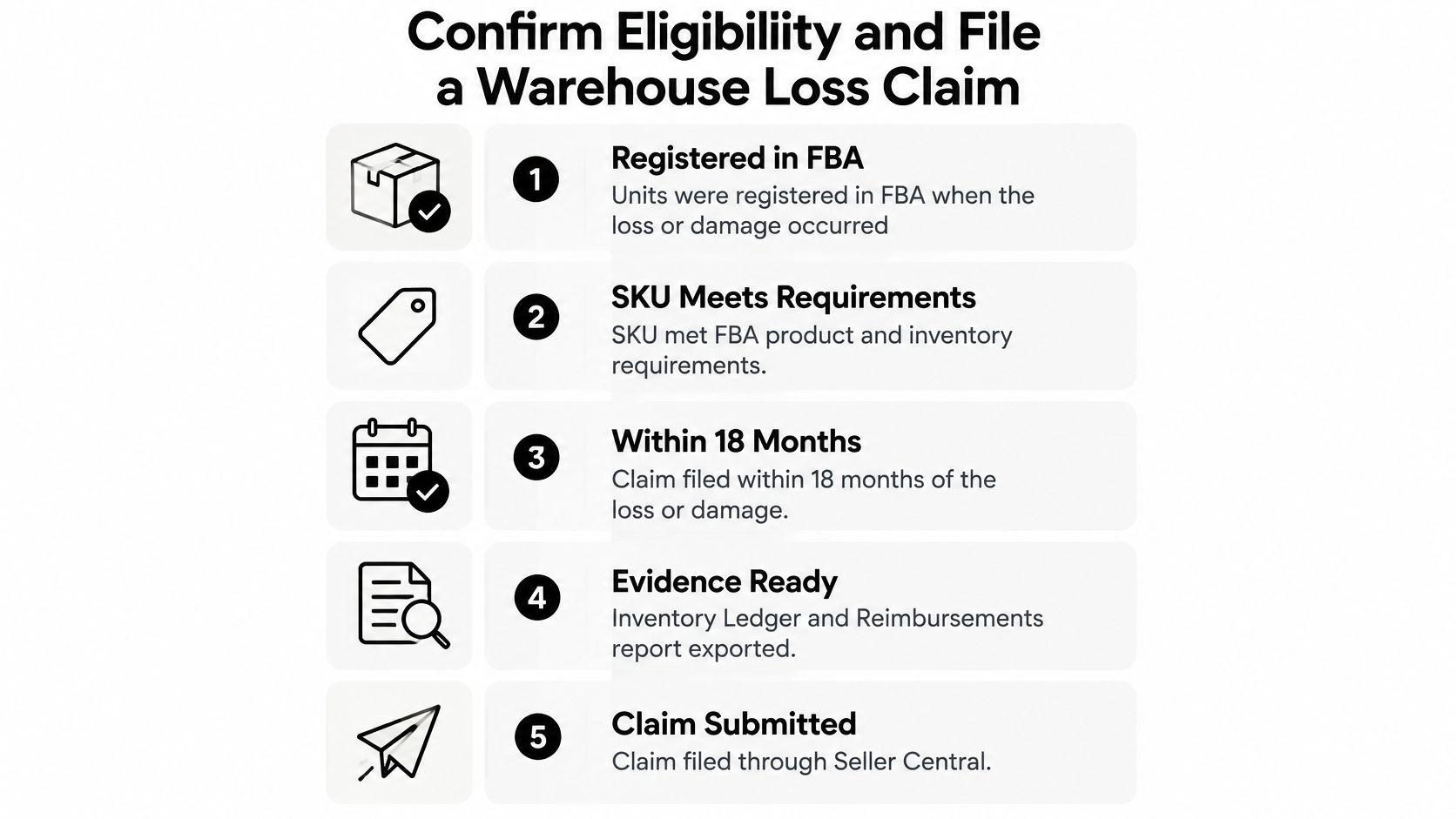
- Confirm the units were registered in FBA when the loss or damage happened, because Amazon only covers inventory it had in the program.
- Confirm the SKU met FBA product and inventory requirements, including labeling and prep. Carton and unit prep is where a lot of "damage" claims start, and the Amazon FBA packaging requirements UK notes from Packaging Panda are a useful check against your own pack-out.
- Match quantities and products to the shipping plan, so you don't claim units the inbound record never showed.
- Confirm the units were not pending disposal and were not disposed of at your request.
- Check Account Health for normal status. A non-normal account can block the claim while it is filed, reviewed, or appealed.
- Open the Inventory Ledger, filter by adjustment reason, and find the lost or damaged rows.
- Cross-check each event in Inventory Defect and Reimbursement. Record FNSKU, quantity, fulfillment center, event date, and disposition.
- Confirm sourcing cost is on file. Without it, Amazon applies its own estimate.
- Submit before the deadline with proof of shipment, delivery, invoice cost, and condition where the case asks for it. Log the reimbursement ID on the same row and watch the ledger until the unit shows resolved.
Seller Central guidance on fulfillment-center loss sets that claim deadline at 60 days after Amazon reports the loss or damage in the Inventory Defect and Reimbursement portal or the Inventory Ledger. A claim after that window is not eligible. The policy also requires the item to have been in FBA, to have met product and inventory requirements, to have matched the shipping plan, and not to have been disposed of at your request.
Coverage sits on losses inside fulfillment centers, on Amazon-operated or Amazon-contracted carriers, in storage, and on delivery to the buyer. The slips I see most are waiting for month-end, filing with no invoice, and noticing the event on day 61.
Customer Return Timing and Unsellable Returns
Returns run on a different clock from warehouse losses, so they need their own rows in the ledger. When Amazon refunds a buyer, it waits up to 60 days for the item to reach a fulfillment center, per Seller Central's customer-return reimbursement rules.
Sellable return: Amazon restocks the unit and does not reimburse you. Filing this as a loss creates a denial and wastes the case.
Unsellable, and Amazon is responsible: Amazon reimburses you and does not add the unit back. Check condition notes so a buyer-caused return doesn't get filed as Amazon damage.
Nothing back within 60 days: Amazon charges the customer and, in most cases, reimburses you. Don't open a seller-initiated claim on day one.
Record the refund date and the replacement date on every order, then calendar the day the window opens. Confirm the closing date on the Reimbursements page before you rely on a saved note, because published updates and older help pages don't always match. Use the Inventory Ledger to see whether the unit was restocked. A sellable return is inventory, not a claim. How those returns interact with your own stated policy is covered in Amazon's return policy.
When a Claim Is Denied or Stalls
Denials are a queue, not a write-off. Open the case thread and name the failed condition: registration date, shipping-plan match, a disposal you requested, or a product-requirement miss.
Check Account Health before you argue the facts. A non-normal status can stall a valid loss through filing, review, and appeal.
If the gap is a document, reply in the same case. A missing invoice or a unit count that doesn't match the shipping plan is fixed with the file, not with a second ticket. Refiling the same units as a new claim, with no new evidence, usually burns the thread.
When the denial fights your ledger, answer in that case with the Inventory Ledger rows, the Inventory Defect and Reimbursement entry, and the invoice. Then log the outcome by SKU and fulfillment center. A lane that denies the same way twice is usually a prep or paperwork gap, not a one-off agent. Anything filed after the warehouse window has closed is not eligible, so a late appeal can't revive it.
Run the Backfill Sweep and Daily Exception Ledger
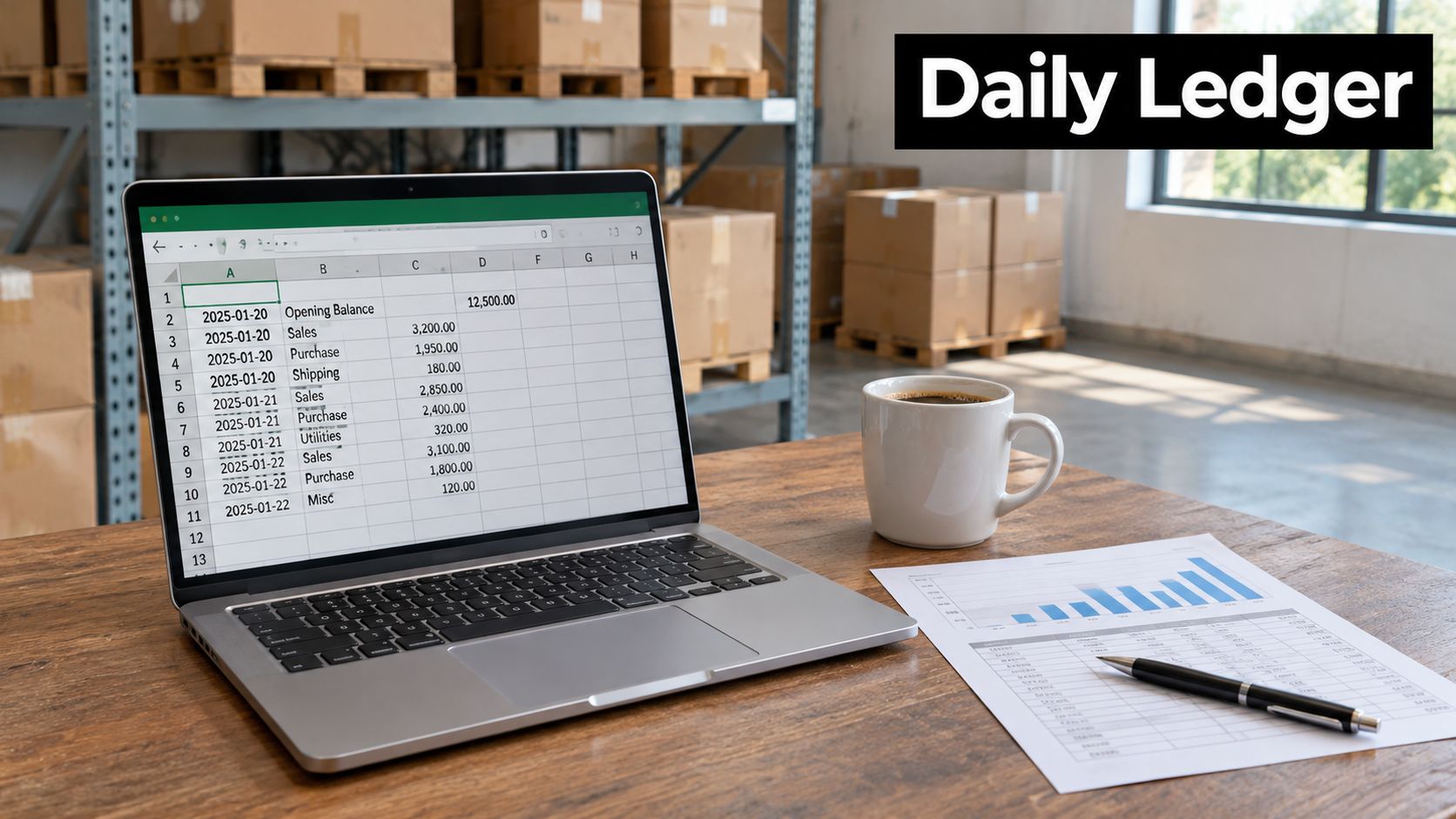
Memory is a bad control. One sweep this week, then a daily exception ledger, is the system that holds the clocks.
The one week sweep
Export the Inventory Ledger and the Reimbursements report for the last 60 days. Sort by event date and stamp each row with the filing deadline from your case table. Match events to credits and list the unmatched units. File every case still inside its window, with invoices attached. Dispute any payout below the documented sourcing cost, after you confirm the dispute close on the Reimbursements page.
Seller Central's reimbursement guidance is why the ledger beats a periodic review: fulfillment-center claims generally must be in within 60 days of the report, lost removals wait at least 15 days after the last confirmed movement and must be filed within 75 days of shipment creation, and damaged-removal claims generally must be filed within 60 days of delivery. Inbound shortages use a defined post-delivery window, and warehouse-loss claims tie to the adjustment date.
Daily ledger cadence
Ingest shipment IDs, FNSKUs, quantities, adjustment dates, tracking events, and reimbursement IDs into one sheet. Flag the eligibility start, calculate the final deadline, and alert at 14 days and 3 days out. Run fulfillment-center adjustments and removals daily, customer returns weekly, and valuation monthly. Track filed, approved, denied, paid, and recovered dollars by SKU.
Proactive reimbursement, which Amazon's seller update dates to January 15, 2025, pays many warehouse losses without a ticket. Removals and missed events stay manual, so reconcile every payout to unit counts. We only file legitimate, well-documented claims through Amazon's standard processes, and we never use automated mass-filing. The same recovery work covers lost and damaged inventory, overcharged FBA fees, and customer-return or refund discrepancies.
Pair the unrecovered units with contribution margin. The Amazon profit calculator shows how a short credit shrinks margin per unit, the FBA storage fee calculator shows what unsellable units still cost you to hold, and the sales rank checker tells you which SKUs are worth the dispute time. Inventory discipline around those same units is the point of Amazon inventory management. If your team can't run the sweep and the ledger in-house, book a free strategy call at /#book-call. When the brand is a fit, that call includes the complimentary OBG360 Amazon Account Audit.
Online Brand Growth audits FBA inventory, fee, and return records, then files documented reimbursement claims and tracks them to resolution, with ongoing monitoring so the next discrepancy doesn't wait for a quarterly cleanup. If unauthorized sellers are also cutting your price, our 360 Brand Protection program covers unauthorized seller removal and MAP enforcement alongside that operations work. Book a free strategy call with Online Brand Growth and we'll tell you which open units are still inside a live window.